Turn customer conversations into invoices — and invoices into payments
Creating and following up on invoices shouldn't require switching between multiple systems.
✓ Free 7-day trial ✓ No credit card required

Numa brings customers, products, invoices, payments and communication together in one connected platform. Create invoices manually, generate them from your CRM, or let your team and AI help move the process forward based on the customer's journey.
Create invoices your way
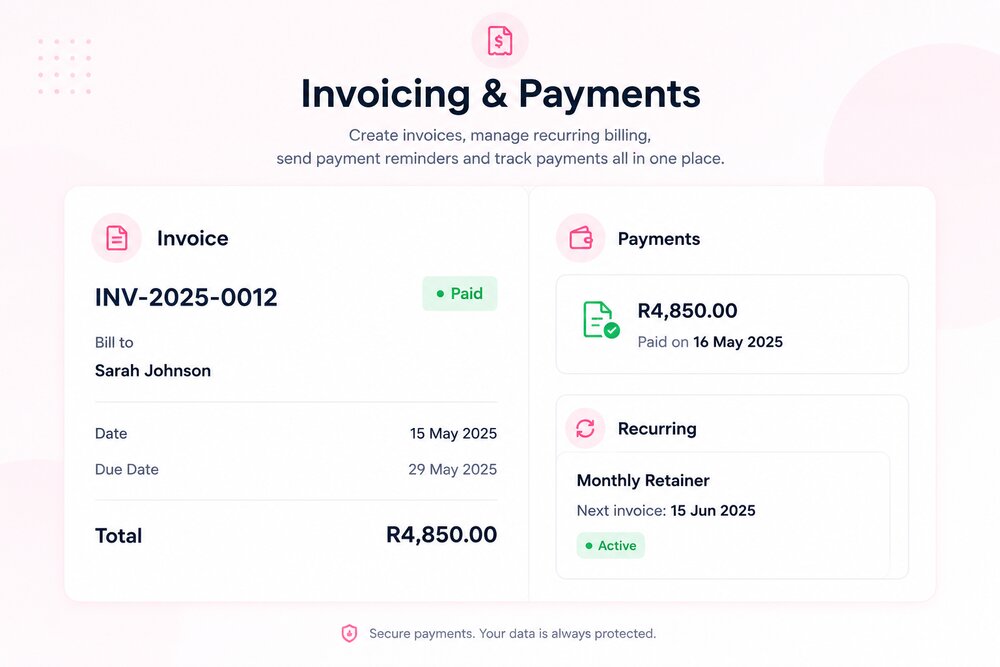
Select a customer, add products or services, set quantities and prices, add taxes, discounts or notes, set the due date, and send — all from the invoice dashboard.
Or create an invoice directly from an existing customer's profile, keeping their conversations, quotes and previous invoices connected. One customer record. Everything connected.
Send invoices through the channels you already use
AI-assisted invoice sending
Numa uses customer context — name, product, previous conversation, quote history, amount and due date — so the message feels relevant, not generic.
"Hi Sarah, thank you for choosing us. Your invoice for R2,500 is ready. You can review and complete payment using the link below."
Send manually or with automation
Your team can create and send an invoice whenever they're ready, Numa can help prepare the message using the available customer context, or the whole flow can run on configured automation — invoice created, sent to the customer, a reminder scheduled, payment received, and the customer record updated. Businesses remain in control throughout.
Know what happened to every invoice
Payments connected to the customer
Create. Send. Follow up. Get paid.
Less chasing. More organised payments — without losing the context behind the customer relationship.
Frequently Asked Questions
Can I create an invoice without starting from scratch?
Yes. When a customer already exists in your CRM, your team can create an invoice directly from their profile, keeping conversations, quotes and previous invoices connected.
How can an invoice be sent to a customer?
By email, directly within an ongoing chat conversation, or through WhatsApp where connected — whichever fits the conversation the customer is already in.
Does Numa chase unpaid invoices automatically?
It can. Numa can schedule payment reminders based on your own payment policy, or your team can send follow-ups manually — the choice is yours.
What happens to the CRM when an invoice is paid?
The customer's record updates automatically — total invoiced, total paid, outstanding balance and payment history all stay current without your team manually updating each one.